How I Turn One Script Into a Finished, Scheduled Faceless Video in Under an Hour, Using AI
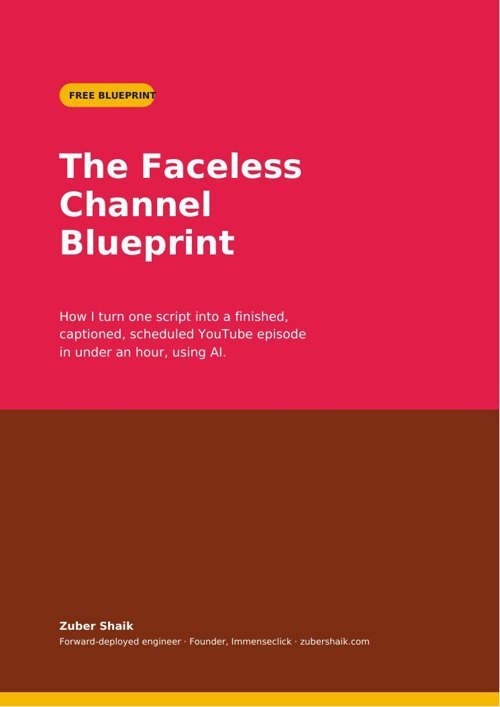
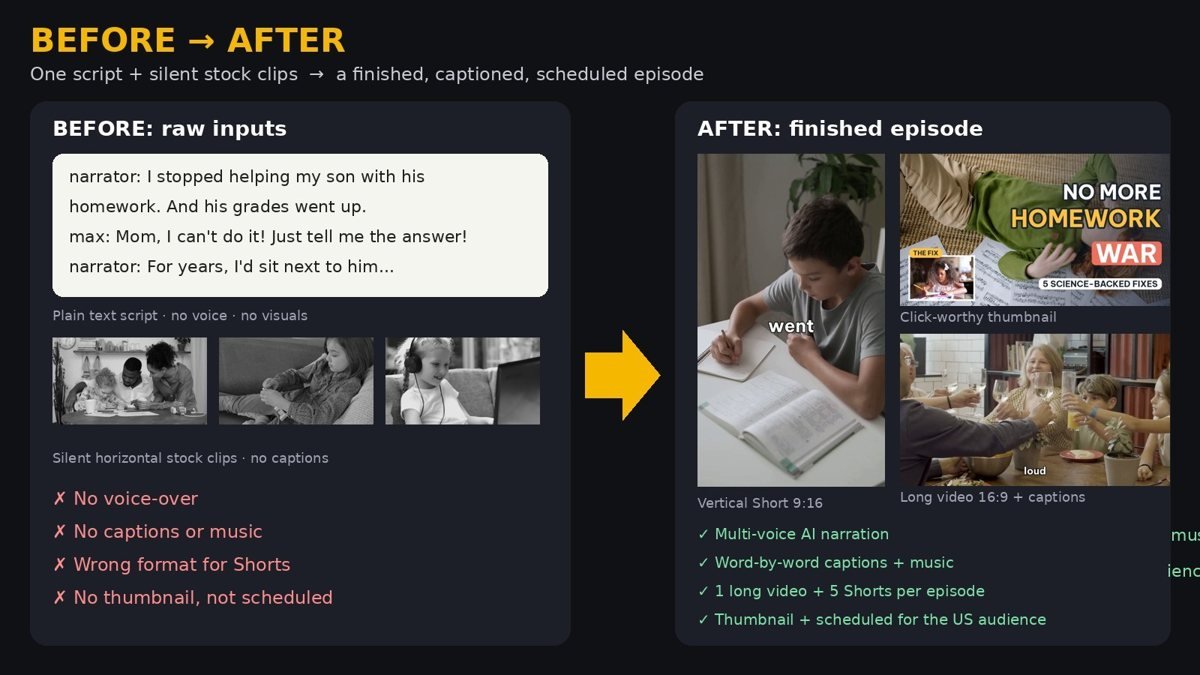
The exact blueprint behind my faceless family-story channel: script → AI voices → stock footage → word-by-word captions → thumbnail → scheduling. Shown step by step on a real episode, "Homework Without the Fight".
- The 6-step faceless video pipeline (tools + settings)
- 5 hook formulas that keep viewers past 3 seconds
- My caption, music & thumbnail checklist (avoid copyright strikes)
- A 30-day posting plan: 1 long video + 3–5 Shorts a week
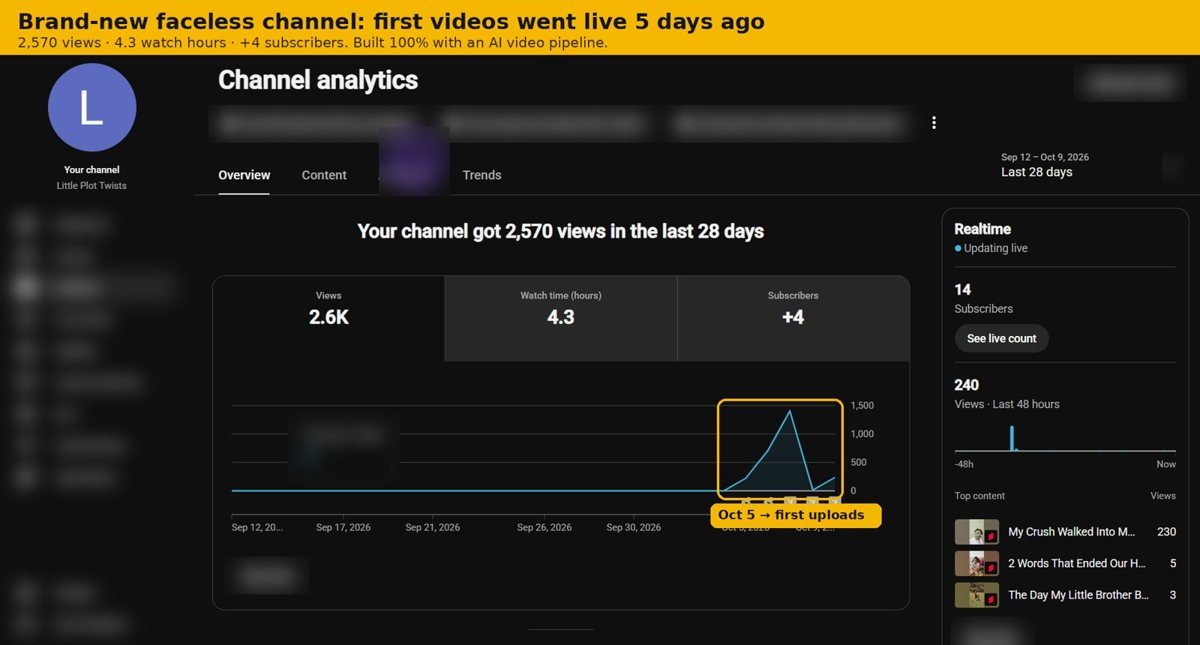
Proof, not promises
What's inside
Script → multi-voice AI narration → stock footage → captions → render, with the exact tools.
5 opening formulas that stop the scroll in the first 3 seconds.
Where to get royalty-free music, and how to keep it under the voice.
The layout and words that win the click.
Upload and schedule Shorts + long videos for a US audience.
What to post each week, and what to measure.
I can build your faceless channel or edit your videos
Send your raw footage or script. Get back finished long videos + Shorts with captions, music and thumbnails.
Your own system: topics in a sheet → finished Reels & Shorts every week, reviewed by you, then scheduled.

Forward-deployed engineer and founder of Immenseclick. I run my own faceless YouTube channel on an AI video pipeline, and I build the same systems and edit videos for creators and brands.
Questions
Is it really free?
Yes. Enter your name and email and the blueprint opens instantly.
Do I need to show my face or use my voice?
No. Everything uses AI voices and stock footage.
Which tools do I need?
Mostly free and open-source tools. The blueprint lists each one and what it does.
Can you just do it for me?
Yes: video editing projects, or a done-for-you AI Video Factory. See the options above.